


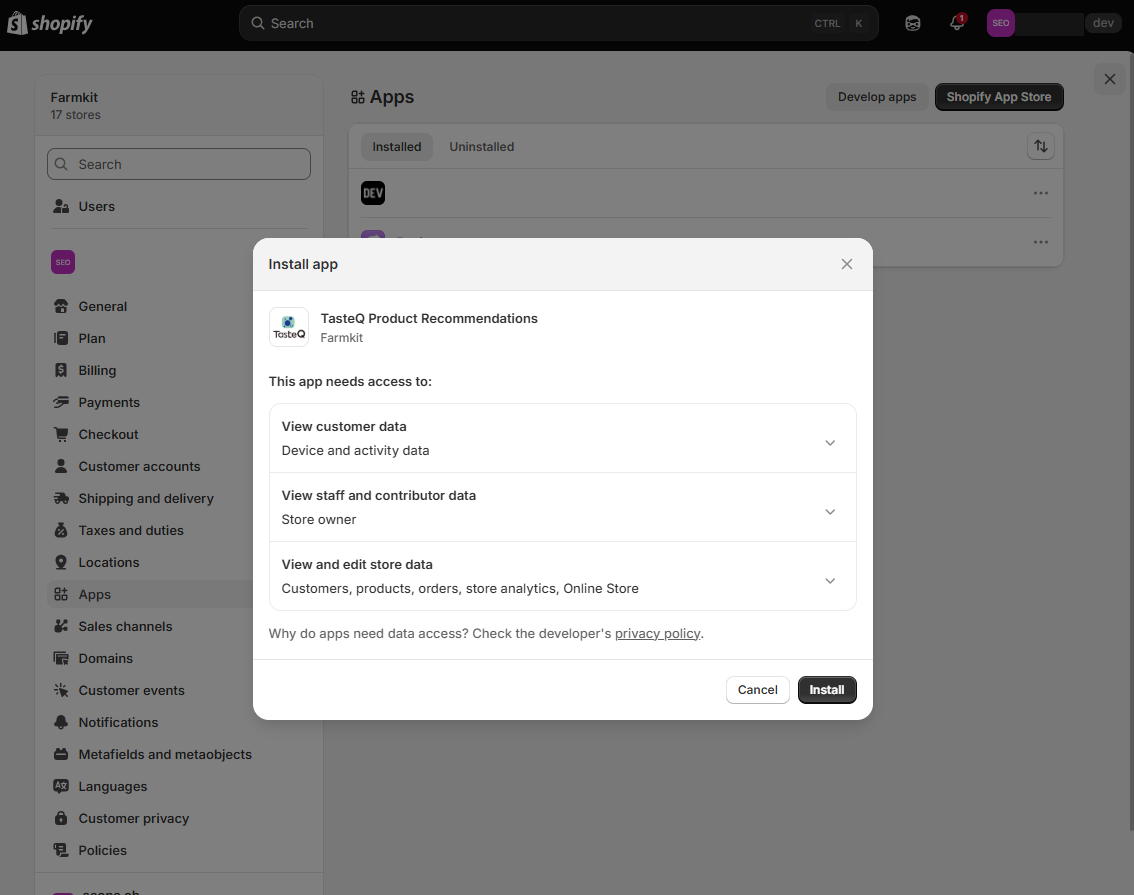
On the installation page of Shopify, click Install.
 Tap to enlarge
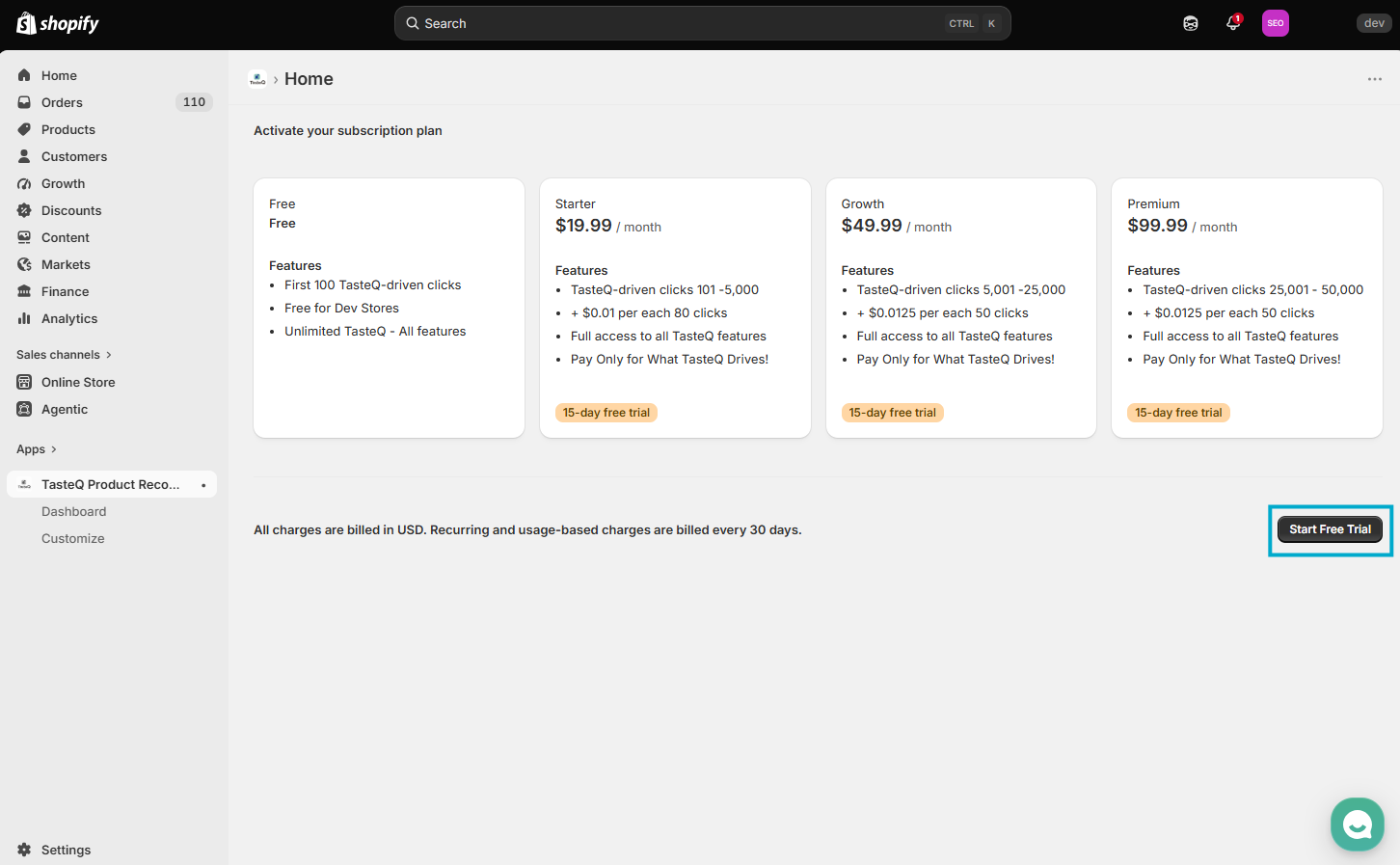
To start your subscription and access TasteQ features, click Start Free Trial.
 Tap to enlarge
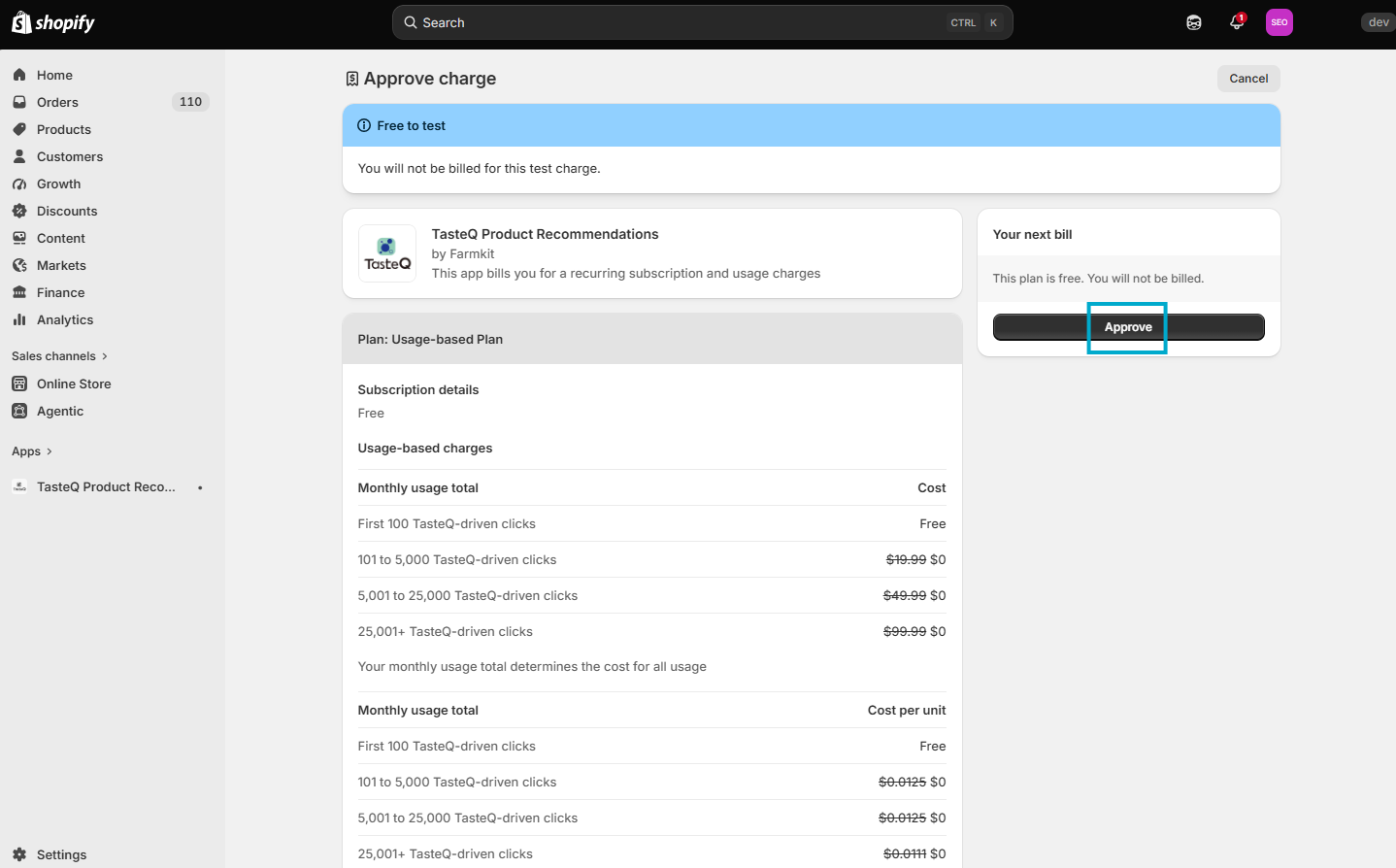
Next, click Approve to finalize your subscription and begin using TasteQ recommendation features.
 Tap to enlarge
The TasteQ widget can be added to three pages in the store: Home, Product, and Cart.
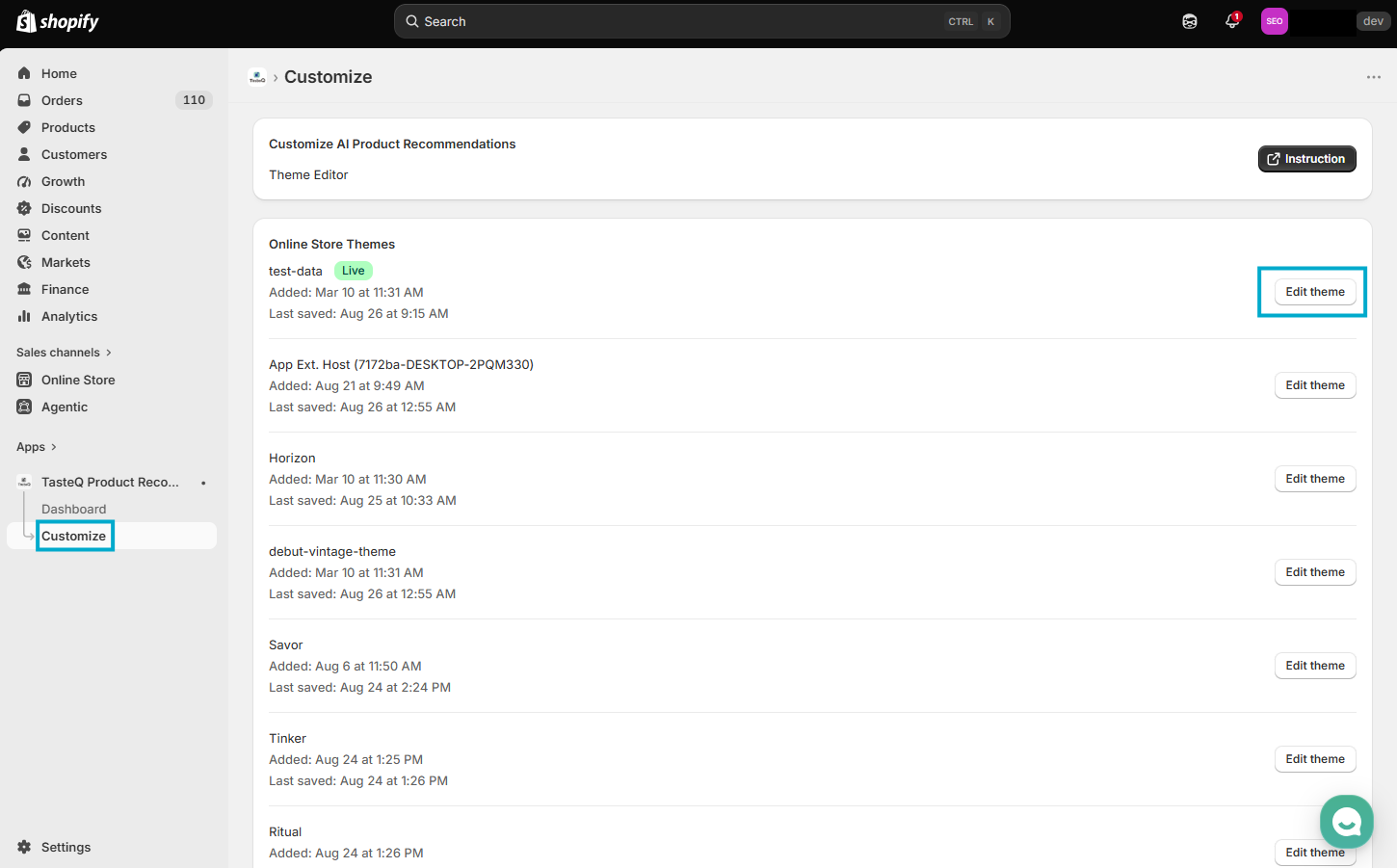
Recommendation blocks can be added from the Customize page in the TasteQ app. From this page, click Edit theme to open the home page editor.
 Tap to enlarge
In the navigation menu on the left side of the screen, click Apps. Next, select Add sections.
- Select Recommendation for home to add TasteQ to the home page
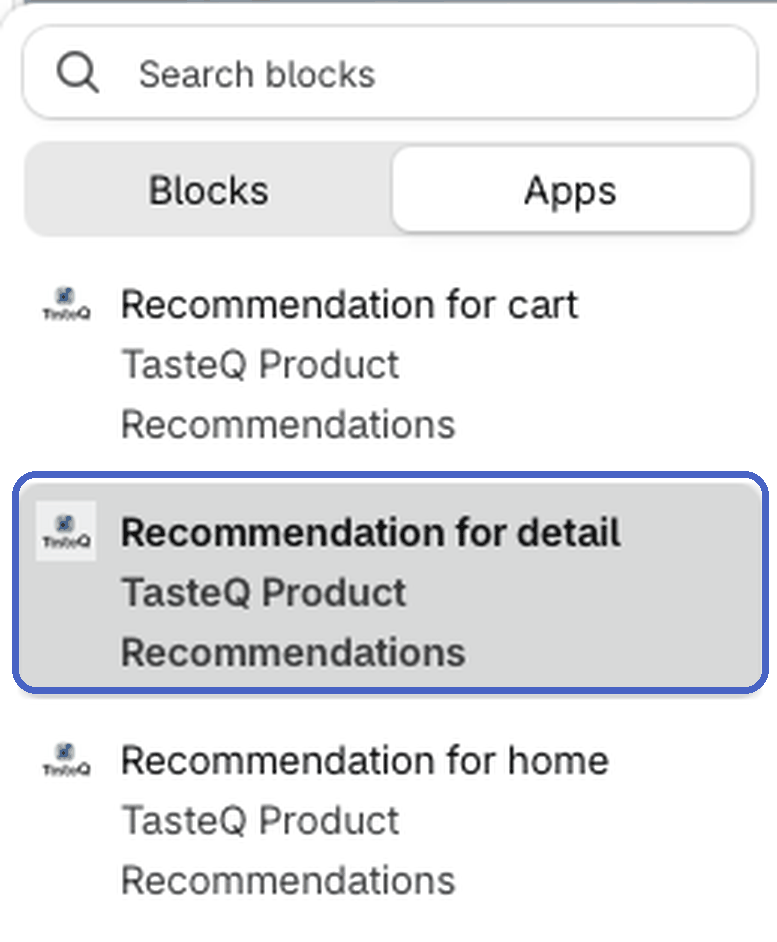
- Select Recommendation for detail to add TasteQ to the product page
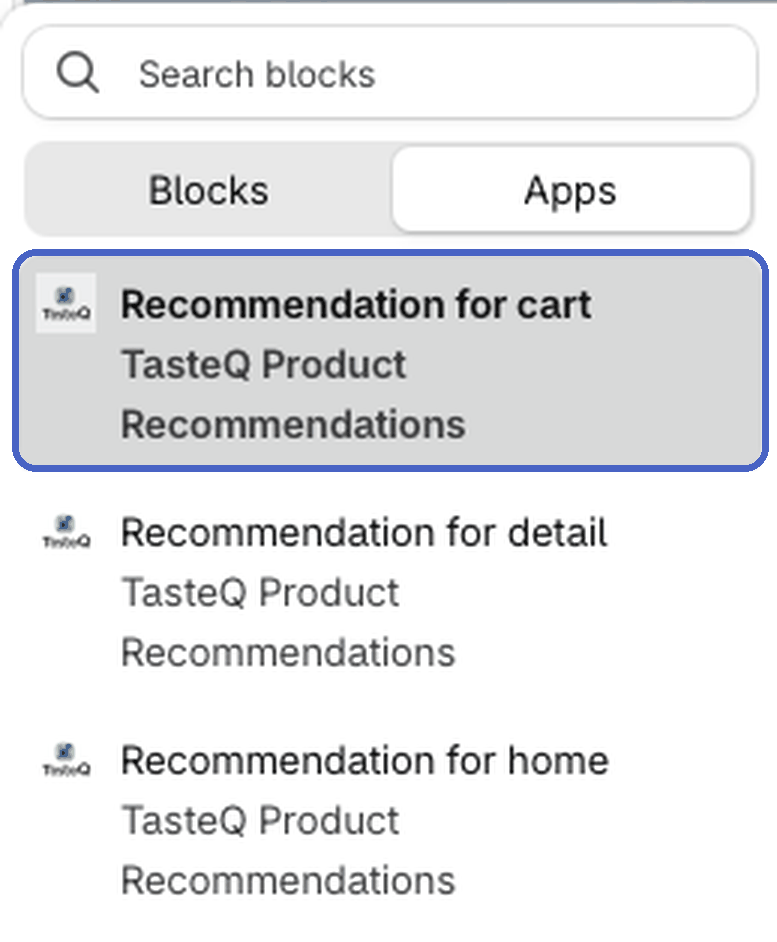
- Select Recommendation for cart to add TasteQ to the cart
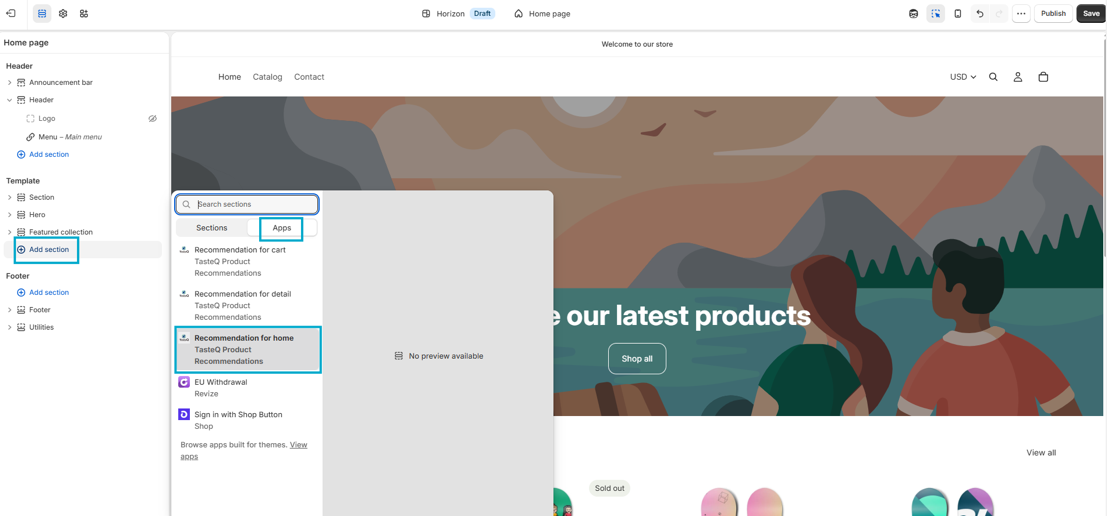 Tap to enlarge
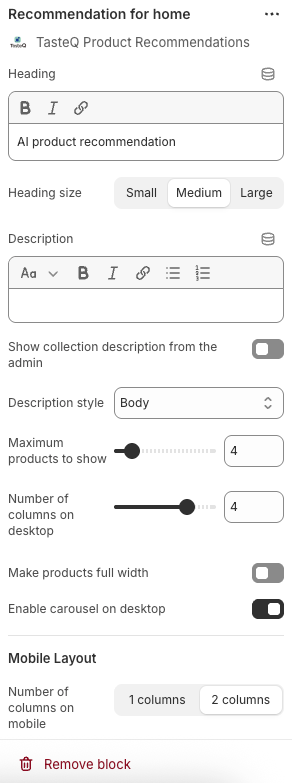
Next, customize the block to fit the store.
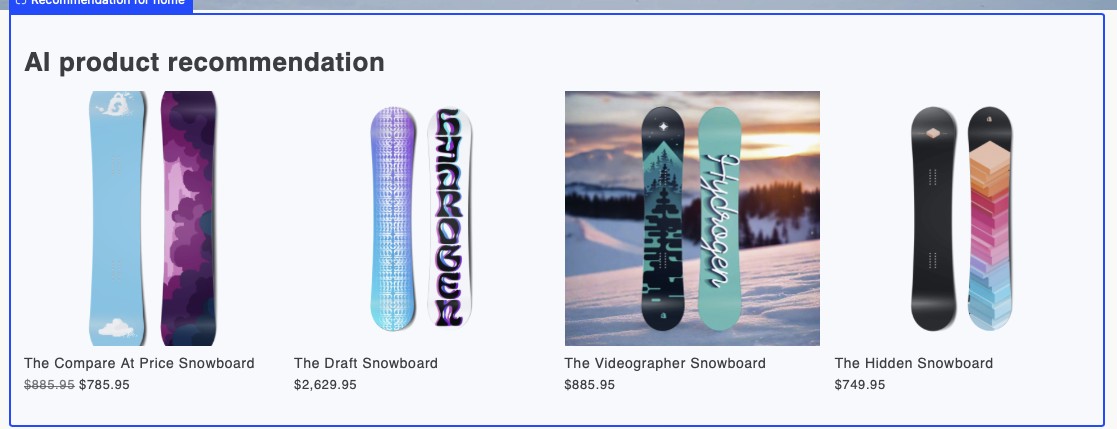 Tap to enlarge
After adding the widget to your home page, use the menu at the top of the screen to navigate to the product page.
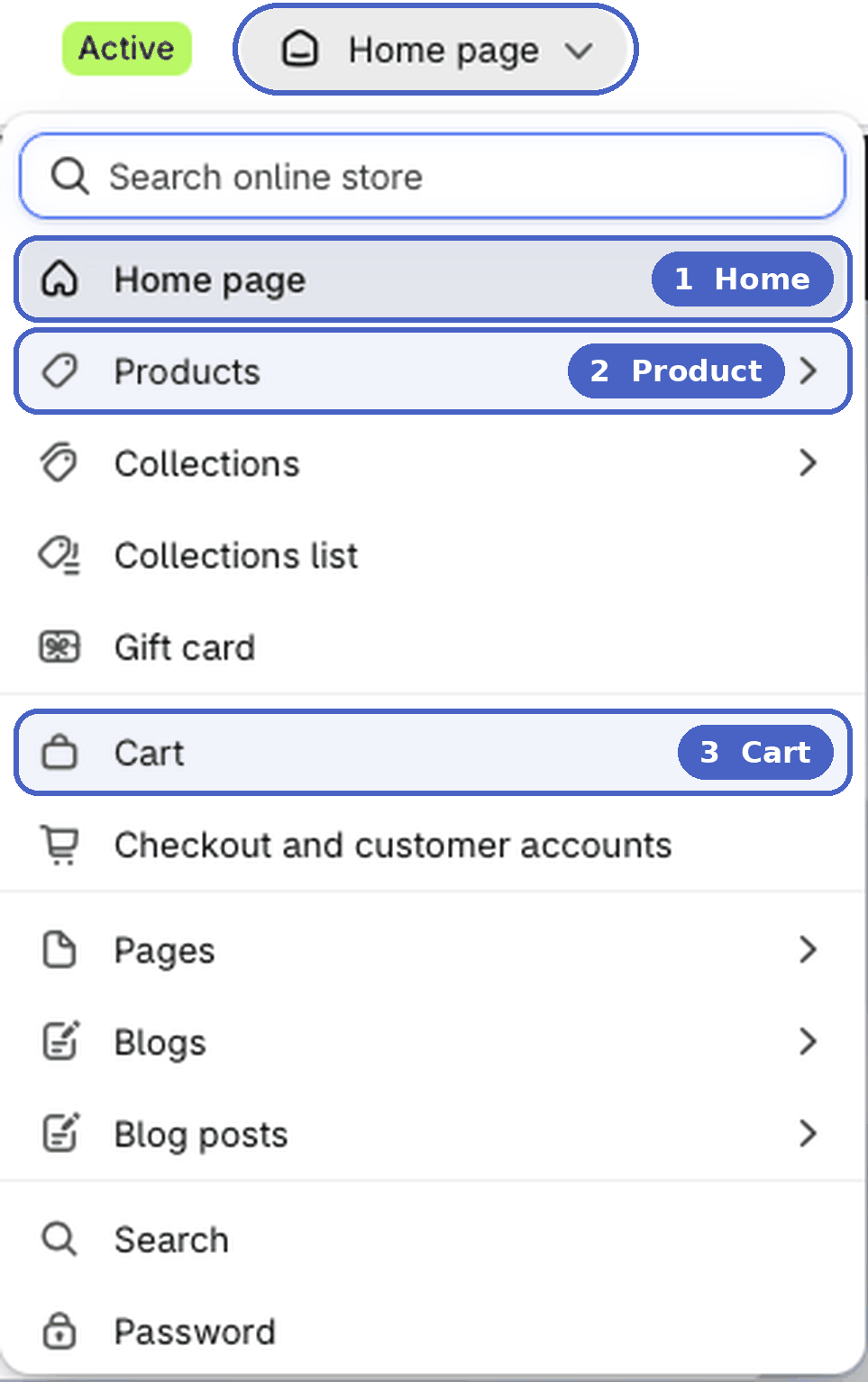
Here, follow the same instructions to add your Recommendation for detail widget to the product page.
Next, use the menu at the top of the screen to navigate to the cart page.
Here, follow the same instructions to add your Recommendation for cart widget to the cart page.
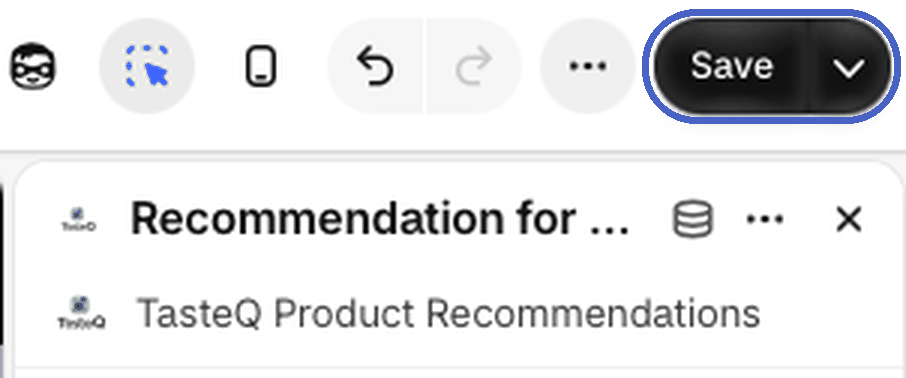
Click Save in the top-right corner of the theme editor to publish your changes.
- ✓HomeRecommendation for home
- ✓ProductRecommendation for detail
- ✓CartRecommendation for cart
Need a hand?
If you have any questions or need assistance during installation, please contact us!